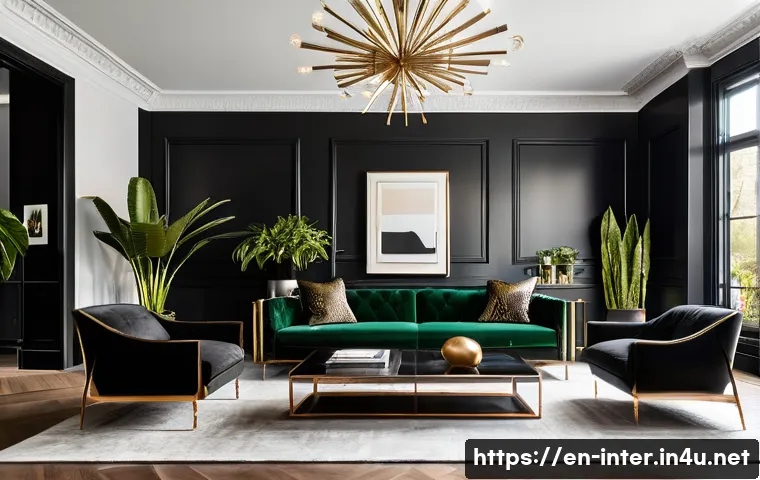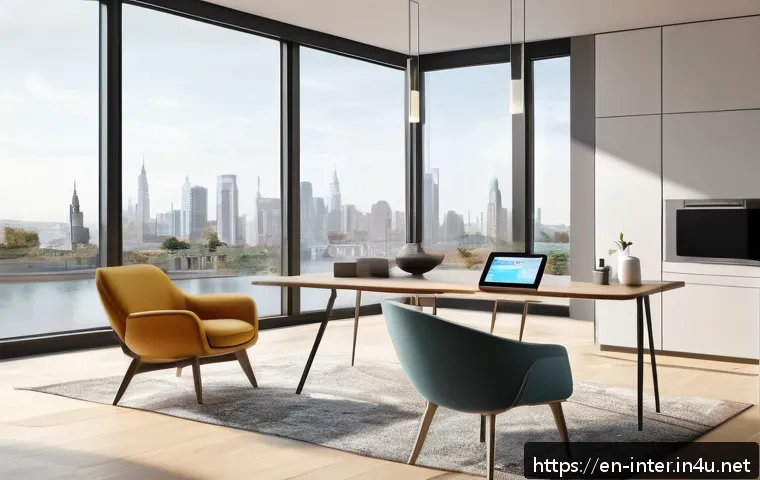
As we step into 2024, the world of interior design is rapidly evolving with technology at its core. Whether you’re a professional designer or a home enthusiast, having the right 3D interior design software can make all the difference in visualizing and transforming your space.
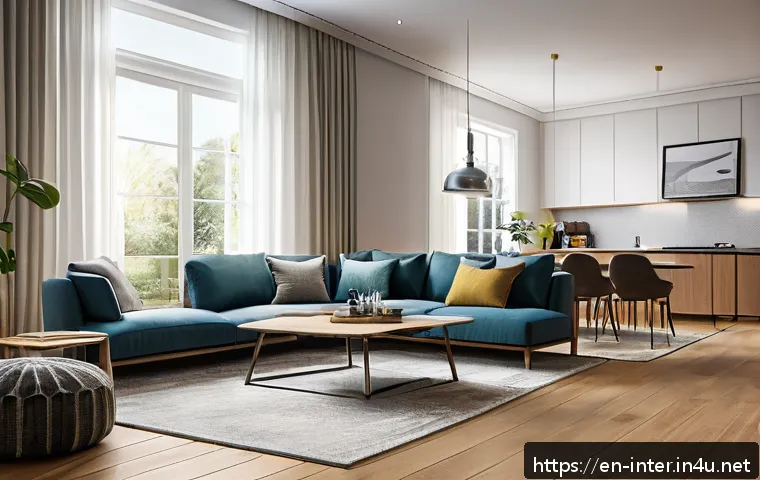
With new features like AI integration, real-time rendering, and user-friendly interfaces, these tools are becoming more accessible and powerful than ever before.
In this post, I’ll share the top 7 cutting-edge software options that can help you bring your creative vision to life effortlessly. Stick around—these picks could change the way you design your space forever!
Immersive Visualization with Real-Time 3D Rendering
Experience Instant Feedback on Design Choices
One of the biggest game-changers in modern 3D interior design software is real-time rendering. Instead of waiting minutes or even hours to see how a texture or lighting adjustment looks, you get immediate visual feedback.
This instant response helps you experiment more freely without the frustration of lag, making the creative process feel smooth and fluid. When I used software with this feature, it felt like painting on a digital canvas that instantly reacts to every brushstroke, which really elevated my design flow and decision-making speed.
Photorealistic Lighting and Shadows
Another crucial aspect of realistic visualization is how light behaves within a space. Advanced engines now simulate natural and artificial lighting with incredible accuracy, capturing reflections, shadows, and ambiance just as they would appear in reality.
This not only impresses clients but also prevents costly mistakes by previewing how sunlight filters through windows or how recessed lights brighten a cozy nook.
For anyone serious about interior design, this level of detail is a must-have.
Seamless Integration of AI to Enhance Creativity
AI-powered features in 3D design software are no longer sci-fi. From auto-generating furniture layouts based on room dimensions to suggesting color palettes that match your style, AI acts like a virtual design assistant.
I found that using AI helped me break creative blocks, especially when juggling multiple projects. It can analyze your existing choices and recommend complementary textures or decor pieces, saving time while still keeping your personal touch intact.
Intuitive User Interfaces for Designers and DIYers Alike
Drag-and-Drop Functionality for Effortless Design
Not everyone has a background in CAD or complex 3D modeling, and that’s where intuitive UI shines. Many of today’s top software options offer drag-and-drop features that make placing furniture, fixtures, and decor items as simple as moving icons around a canvas.
I remember my first time using such a tool; it felt surprisingly natural, almost like playing a game rather than working. This ease of use lowers the entry barrier and makes 3D design accessible to hobbyists and professionals alike.
Customizable Workspaces to Fit Your Workflow
Flexibility is key when juggling various projects and design styles. The best programs allow you to tailor the workspace layout to your preferences, whether that means having a larger viewport for 3D walkthroughs or easily accessible toolbars for quick edits.
Personally, customizing my workspace sped up my workflow significantly and reduced the fatigue that often comes with prolonged design sessions.
Cross-Platform Compatibility for On-the-Go Access
With remote work and on-site consultations becoming more common, having software that works smoothly across different devices is invaluable. Many 3D interior design tools now support desktop, tablet, and even smartphone versions, allowing you to present ideas or tweak plans anywhere.
This flexibility means you can capture inspiration on the spot or make last-minute client changes without being tied to a single machine.
Comprehensive Libraries and Marketplace Resources
Vast Collections of Ready-Made Assets
A robust asset library can make or break your design experience. From realistic furniture models to textured wallpapers and lighting fixtures, having a wide variety of items at your fingertips saves countless hours.
I’ve noticed that the best software continually updates their libraries with trendy and classic pieces, helping keep designs fresh and relevant. This also means less time spent modeling from scratch and more time focusing on creativity.
User-Generated Content and Community Sharing
Many platforms now encourage a thriving community where users share their own models and templates. This peer-driven content not only expands your options but also inspires new ideas.
Personally, I love browsing community galleries to spark creativity or find unique pieces I wouldn’t have thought of. Engaging with other designers through forums or social media integrations also adds a social element that can make the process more enjoyable.
Marketplace Integration for Easy Purchases
Some software goes beyond just providing free assets by integrating marketplaces where you can purchase premium items. Whether you need a high-end sofa model or a rare lighting fixture, having seamless access to quality resources within the program streamlines your workflow.
This feature is especially useful for professionals who want to present polished, client-ready designs without juggling multiple apps or websites.
Powerful Collaboration and Sharing Tools
Real-Time Multi-User Editing
Collaboration is critical in today’s design projects, and modern 3D software often supports real-time editing by multiple users. This means you and your team or clients can simultaneously tweak layouts or discuss changes, reducing miscommunication and speeding up project timelines.
I’ve found that this feature makes remote teamwork feel much more connected, almost as if everyone is in the same room brainstorming together.
Easy Export Options for Various Formats
Sharing your work shouldn’t be complicated. These programs allow exporting in multiple formats, whether for client presentations, VR walkthroughs, or integration with other CAD tools.
The flexibility to deliver files in the preferred format keeps your process professional and client-friendly. I’ve had clients appreciate receiving interactive 3D models they can explore on their own devices, which adds tremendous value to my service.
Cloud Storage and Version Control
Keeping track of different design versions is essential to avoid losing progress or mixing up iterations. Cloud storage solutions integrated into 3D software let you save projects securely online with automatic backups.
Version control means you can revert to previous designs if needed, which gave me peace of mind during complex projects. Plus, cloud syncing enables seamless transitions between devices without missing a beat.
Comparing Top 3D Interior Design Software Features
| Software | Real-Time Rendering | AI Integration | User Interface | Asset Library Size | Collaboration Tools | Platform Compatibility |
|---|---|---|---|---|---|---|
| Software A | Yes, ultra-fast | Basic AI suggestions | Drag-and-drop, beginner-friendly | 10,000+ items | Multi-user editing | Windows, Mac, iOS |
| Software B | Photorealistic, GPU accelerated | Advanced AI design assistant | Customizable workspace | 20,000+ premium assets | Cloud syncing, version control | Windows, Android, Web |
| Software C | Good quality, moderate speed | None | Simple UI, limited customization | 5,000+ free models | Basic sharing options | Windows only |
Advanced Customization and Plugin Support
Extending Functionality with Plugins
For power users who want to push the boundaries, plugin support is a vital feature. It lets you add specialized tools or import/export capabilities tailored to your workflow.
From enhanced material editors to lighting simulators, plugins can transform a standard design app into a powerhouse. I’ve personally used plugins to import architectural blueprints directly, which saved me hours of manual work.
Personalizing Materials and Textures
The ability to customize textures and materials down to fine details is essential for realistic interiors. High-end software offers tools to adjust fabric weave, wood grain, and even reflective properties, allowing your renders to look true-to-life.
When I experimented with these features, it was astonishing how small tweaks in material settings could completely change the mood and authenticity of a space.
Automation Scripts for Repetitive Tasks
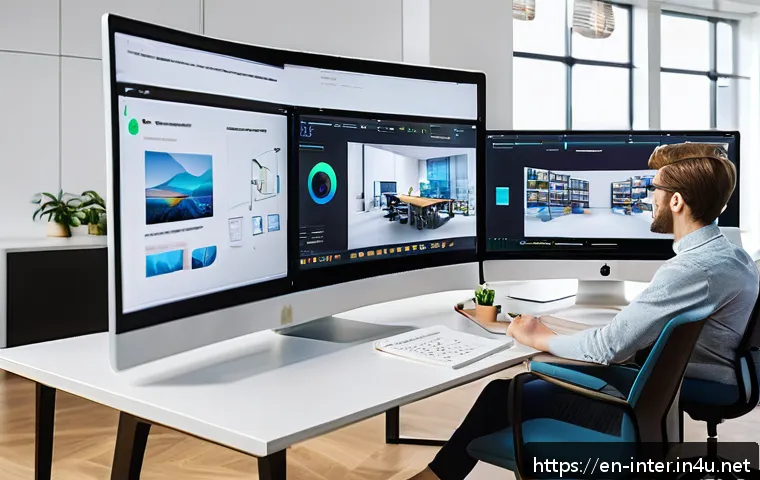
If you find yourself performing the same actions repeatedly, automation scripts can be a lifesaver. Some software lets you create or use pre-built scripts to automate routine tasks like batch renaming layers, aligning objects, or applying preset color schemes.
This level of customization accelerates project completion and reduces human error, a definite plus during tight deadlines.
Cost, Licensing, and Support Options
Free vs. Paid Versions
Many 3D interior design tools offer both free and paid tiers, each with distinct features and limitations. Free versions are great for getting started or hobbyists but often restrict rendering quality, asset access, or export options.
Paid licenses unlock professional-grade tools, larger libraries, and priority support. I recommend trying free trials before committing to a subscription to find the best fit for your needs.
Subscription Models and One-Time Purchases
Pricing varies widely: some software follows a subscription model with monthly or yearly fees, while others offer one-time purchases. Subscriptions often include ongoing updates and cloud services, which can be worth the cost for active users.
On the other hand, owning a license outright appeals to those who prefer long-term investment without recurring charges. I weighed both options and found subscriptions better for staying current with fast-evolving features.
Customer Support and Learning Resources
Reliable customer service and educational materials can dramatically improve your experience, especially when tackling complex projects. Look for software providers with responsive support teams, detailed tutorials, webinars, and active user forums.
When I encountered tricky issues, having access to knowledgeable support and community advice made a huge difference in resolving problems quickly and learning new tips.
Immersive Presentation and Virtual Reality Capabilities
Interactive 3D Walkthroughs for Clients
Presenting your design in an immersive format can wow clients and help them truly understand spatial relationships. Many programs enable creating interactive walkthroughs where users can navigate the space freely.
I’ve seen firsthand how this feature turns passive viewers into engaged participants, often leading to faster approvals and more enthusiastic feedback.
Virtual Reality Integration
VR support takes immersion to the next level, allowing clients or designers to virtually step inside their future rooms. This technology helps identify design flaws or spatial issues that might be missed on a flat screen.
When I first tried VR presentations, it felt like magic—being able to “walk” through a room before it even exists is a powerful tool for communication and refinement.
Augmented Reality for Real-World Visualization
Augmented reality apps complement 3D design by overlaying digital models onto real environments using smartphones or tablets. This lets you see how furniture fits in your actual space or test color schemes on existing walls.
Using AR during client meetings made a huge impression and helped avoid surprises during installation, making the design process much smoother.
Security and Data Privacy Considerations
Protecting Your Designs in the Cloud
As more design software moves to cloud-based platforms, data security becomes a top concern. Look for programs that offer encrypted storage and clear privacy policies to safeguard your intellectual property.
I’ve always been cautious about where my design files live and chose tools with strong security measures to avoid risks of data breaches.
Backup and Recovery Options
Losing hours of work due to software crashes or accidental deletions can be devastating. The best software includes automatic backups and easy recovery systems to protect your projects.
I’ve had moments where these features saved entire designs, preventing what could have been a major setback.
Compliance with Industry Standards
For professionals working on commercial projects, compliance with data protection regulations like GDPR or CCPA is crucial. Choosing software that aligns with these standards not only protects client information but also enhances your credibility.
This is especially important when collaborating internationally or handling sensitive client data.
In Conclusion
Real-time 3D rendering has truly transformed interior design, making the creative process faster and more immersive. The integration of AI and user-friendly interfaces empowers both professionals and hobbyists to bring their visions to life with ease. With abundant resources and collaboration tools, modern software meets the demands of today’s dynamic workflows. Embracing these technologies can elevate your designs and client presentations to a whole new level.
Helpful Information to Keep in Mind
1. Real-time rendering accelerates feedback, allowing you to make design decisions instantly without waiting for long processing times.
2. AI features act as creative assistants, offering smart suggestions and automating routine tasks to save time and spark fresh ideas.
3. Intuitive drag-and-drop interfaces make 3D design accessible to users of all skill levels, reducing the learning curve significantly.
4. Cloud storage and version control ensure your projects are safely backed up and easily accessible across devices, preventing data loss.
5. Immersive presentation tools like VR and AR help clients visualize spaces realistically, improving communication and approval rates.
Key Takeaways
Choosing the right 3D interior design software involves balancing features such as real-time rendering speed, AI integration, and asset library size to match your workflow. Prioritize tools with customizable interfaces and cross-platform compatibility for maximum flexibility. Don’t overlook collaboration features and secure cloud solutions to enhance teamwork and protect your work. Finally, consider your budget carefully by comparing free trials, subscription plans, and one-time purchase options to find the best value for your needs.
Frequently Asked Questions (FAQ) 📖
Q: uestionsQ1: What are the key features to look for in 3D interior design software in 2024?
A: When choosing 3D interior design software today, prioritize tools with AI integration that can suggest design improvements or automate repetitive tasks.
Real-time rendering is a game-changer, allowing you to see changes instantly with high-quality visuals. Also, look for intuitive interfaces that don’t require steep learning curves, especially if you’re a beginner.
Compatibility with various devices and cloud storage options can boost your workflow flexibility. From my experience, software offering extensive libraries of furniture and textures makes the design process much smoother and more enjoyable.
Q: Can beginners use these advanced 3D interior design tools effectively?
A: Absolutely! Many modern 3D design programs are built with user-friendliness in mind, featuring drag-and-drop functionality and guided tutorials. Even if you don’t have prior design experience, you can create impressive layouts and visualizations quickly.
Some platforms offer AI-powered assistants that help with color schemes, space planning, and lighting suggestions, which is incredibly helpful. When I first tried one of these tools, I was surprised by how quickly I could create a polished design without professional training.
Q: How does
A: I integration enhance the interior design process? A3: AI integration brings a new level of creativity and efficiency to interior design software. It can analyze your space and recommend optimal furniture placement, color palettes, or decor styles based on current trends and your preferences.
This reduces guesswork and speeds up decision-making. Personally, I found AI features especially useful for experimenting with different styles without having to manually adjust every element.
It’s like having a design assistant that helps you explore ideas and perfect your vision with minimal effort.